Customer Overview
The Customer Snapshot gives you an overview of the Customer account. Move to Core > Customers and select an item. This action opens the Customer Compact List and displays a summary of the selected Customer Account on the right of the screen.
The Customer Tool-bar displays all actions applicable to a Customer.
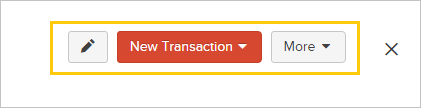
- Edit Customer Profile
- Add New transactions for the selected Customer
- Scroll the More menu for other actions applicable to the current Customer.
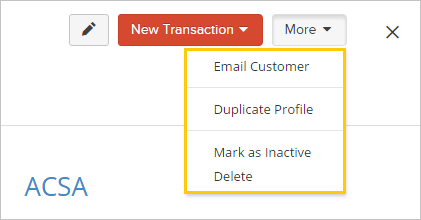
- Email Customer based on previously recorded email contact
- Duplicate Profile if you have a similar profile to add
- Mark as Inactive to shelf the Customer and prevent any transaction add/update on the profile
- Mark as Active the inactive profile you wish to reactivate.
- Delete a profile with no attached travel items
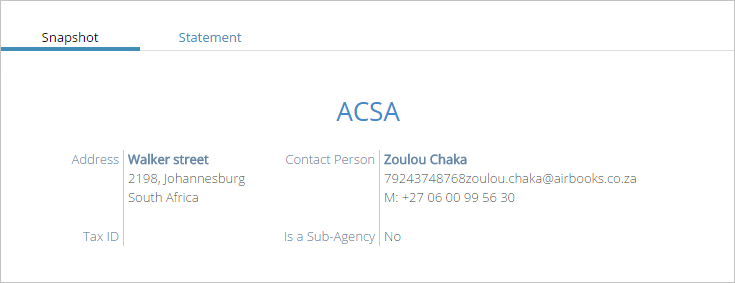
Displays a summary of Customer Profile.
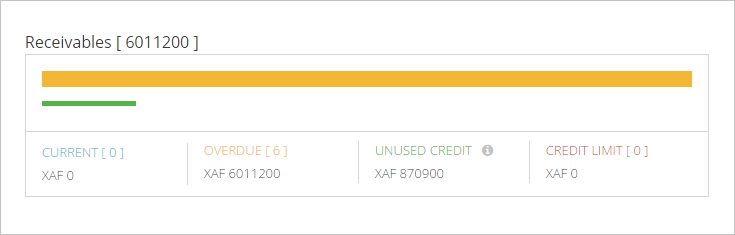
Comparison of Due Invoices against Unused Credits and Credit Limit..
Created with the Personal Edition of HelpNDoc: Produce Kindle eBooks easily